01
Inspect the actual page
Review page breaks, logo placement, line items, totals, notes, signatures, and payment information.
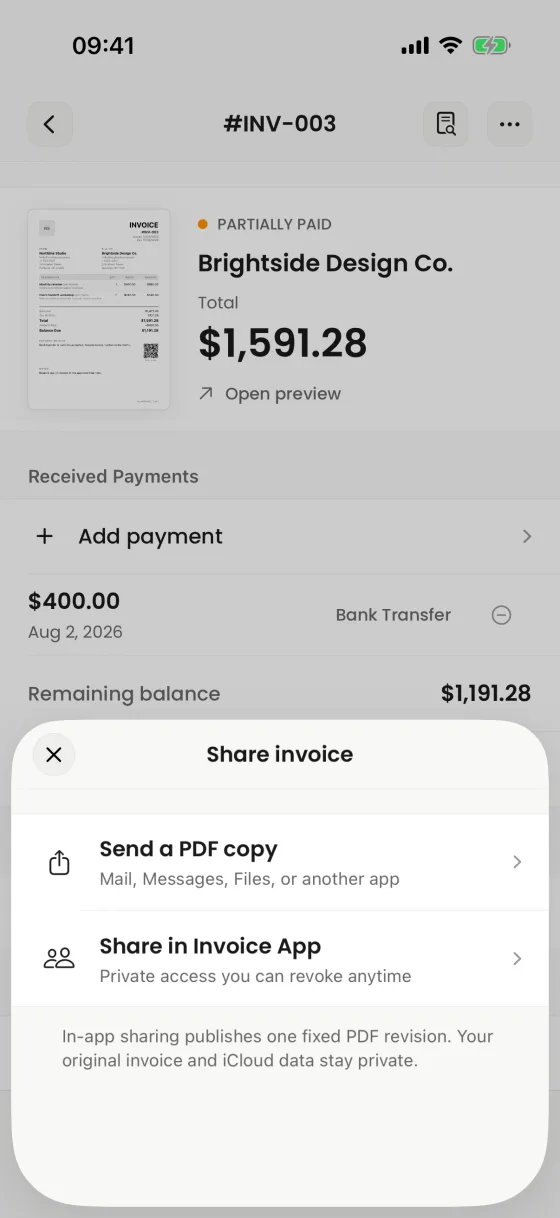
Preview the real A4 document, verify totals and branding, and hand it to the iOS share system only when it is ready.
The preview and exported document use the production PDF renderer.
What it helps you do
01
Review page breaks, logo placement, line items, totals, notes, signatures, and payment information.
02
Use Mail, Messages, AirDrop, Files, Print, or another compatible destination from the iOS share flow.
03
After a confirmed handoff, the app can preserve the exact archived PDF associated with that send record.
Clear product boundary
The website examples use real renderer output because the PDF is the product your client receives. Marketing art never substitutes for the page you actually send.
FAQ
Yes. Open the iOS print workflow from the invoice PDF actions.
Yes. Files is available through the iOS share workflow when supported on the device.
No. A successful share handoff is not a legal read receipt or client-open confirmation.
Invoices for iPhone
Create it on iPhone, inspect the real PDF, and share it when every detail is right.