
01 / CREATE
Add the work, not the repetition.
Reuse saved clients, services, currency, terms, tax settings, and document defaults for new invoices and estimates.
See the iPhone workflowInvoices for iPhone
Build invoices and estimates, add your logo, preview every A4 page, and share a professional PDF—right from your iPhone.
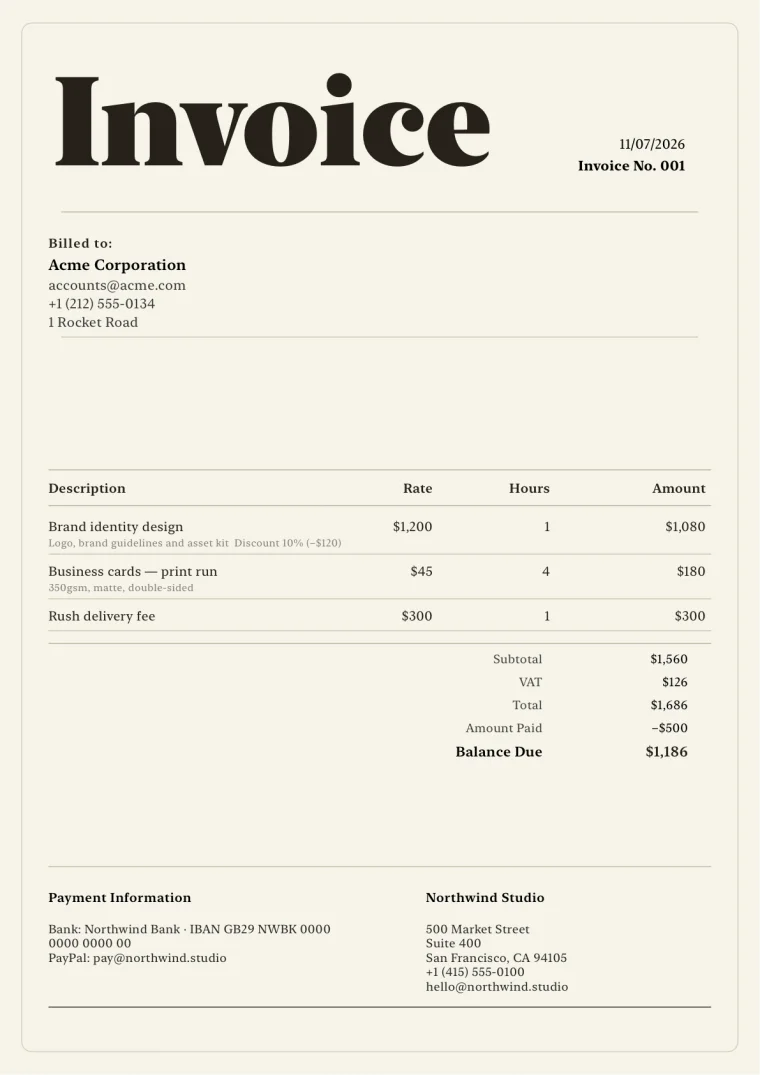
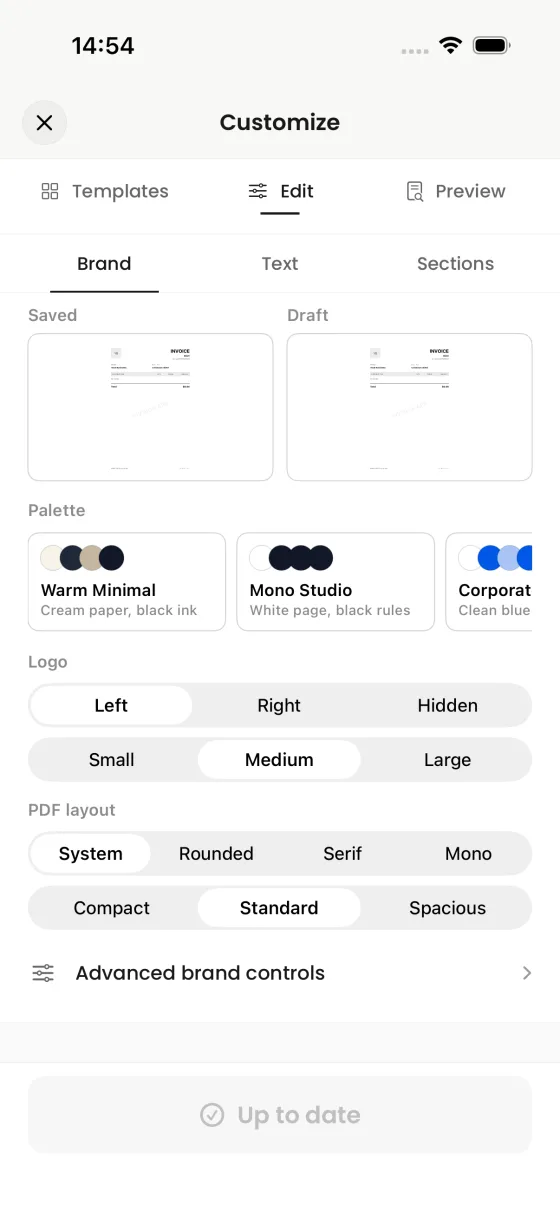
A document-first workflow
Each step stays focused on the invoice itself, with real previews and explicit control before anything is shared.
01 / CREATE
Reuse saved clients, services, currency, terms, tax settings, and document defaults for new invoices and estimates.
See the iPhone workflow02 / FINISH
Choose a template, add a logo, adjust color and type, then review the complete A4 output.
Explore 39 templates03 / SHARE
Pass the PDF to Mail, Messages, AirDrop, Files, Print, or another compatible destination in iOS.
See PDF deliveryInvoice templates
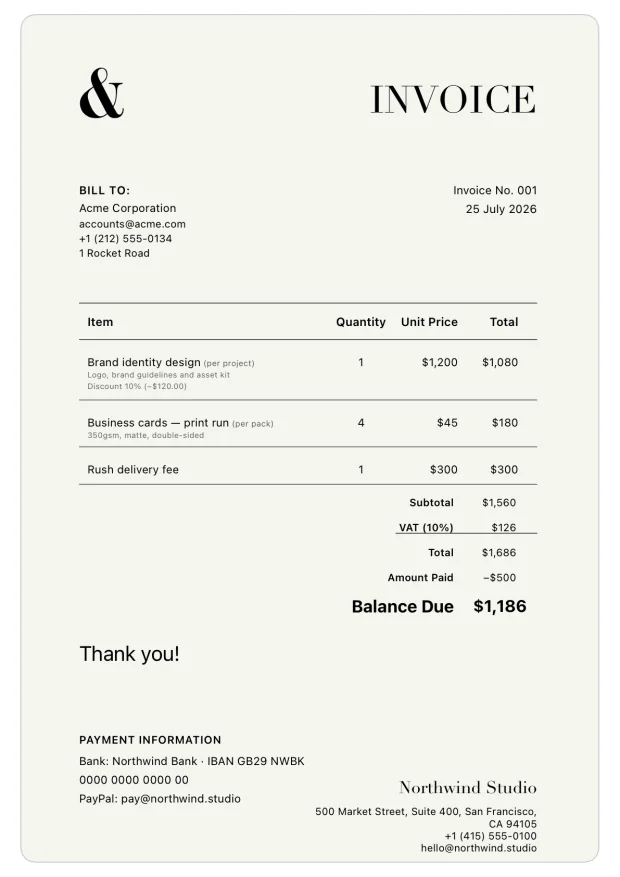
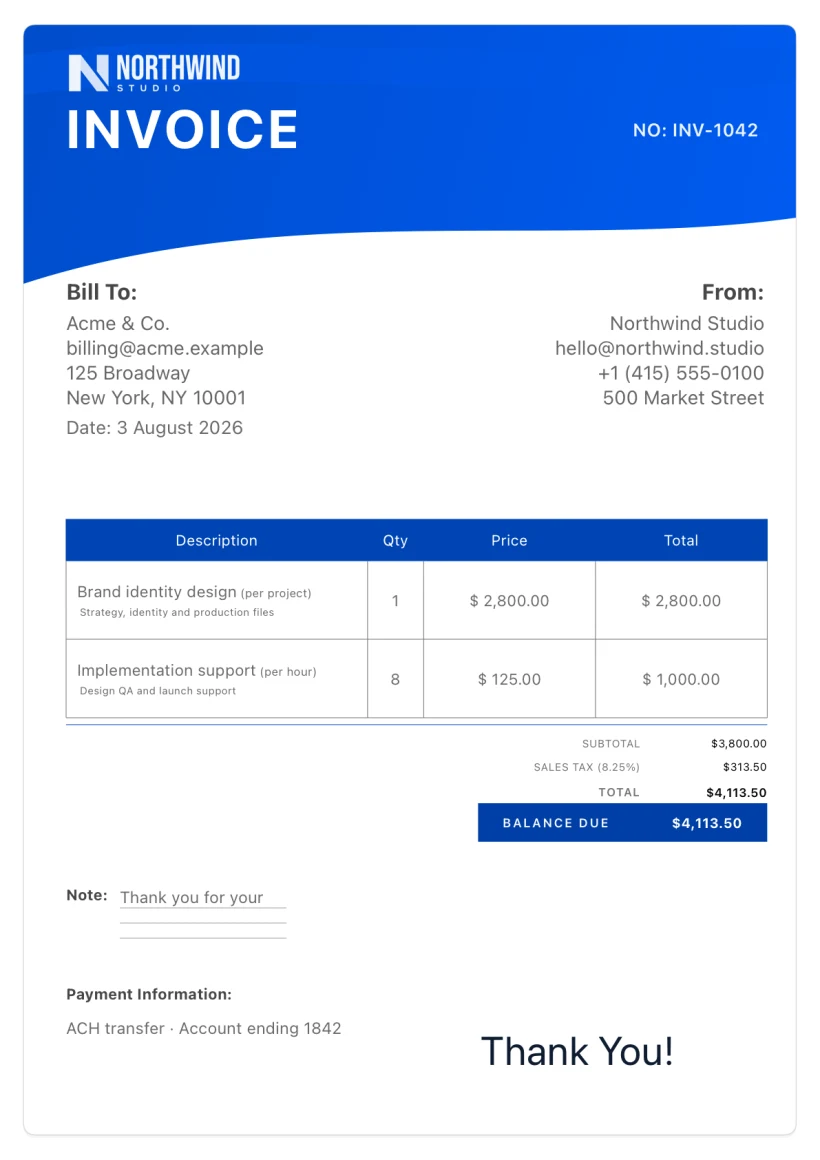
These are real first-page renders from the production PDF engine—not decorative website mockups.
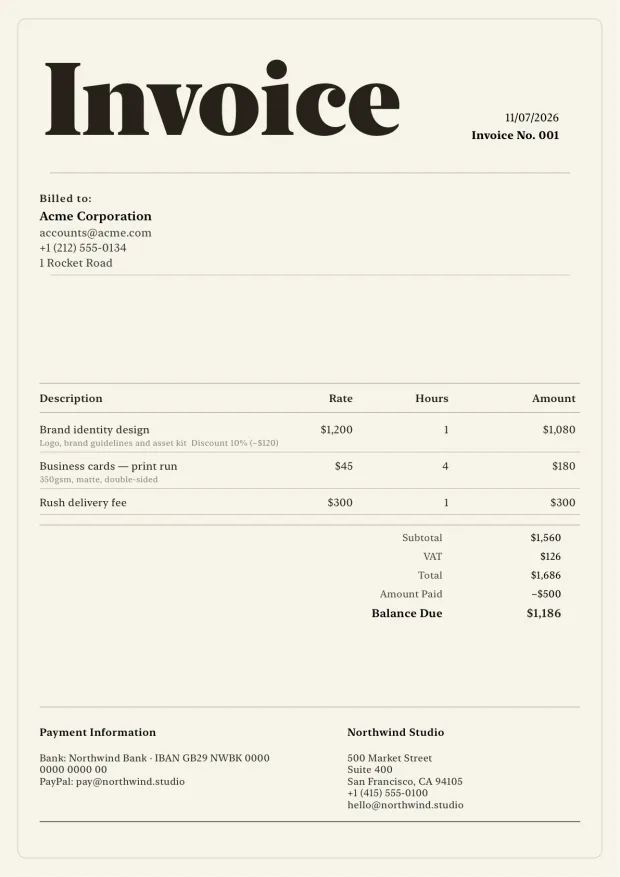
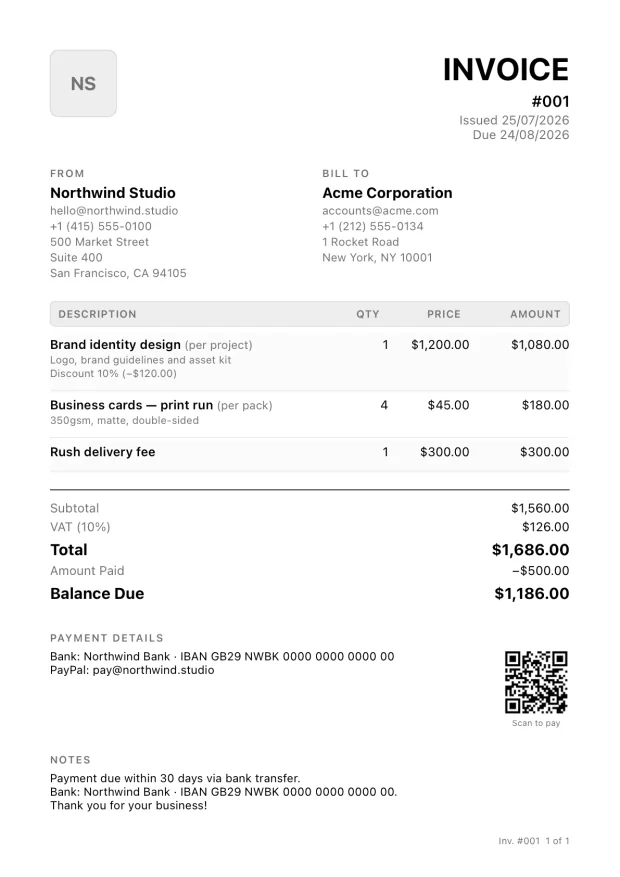
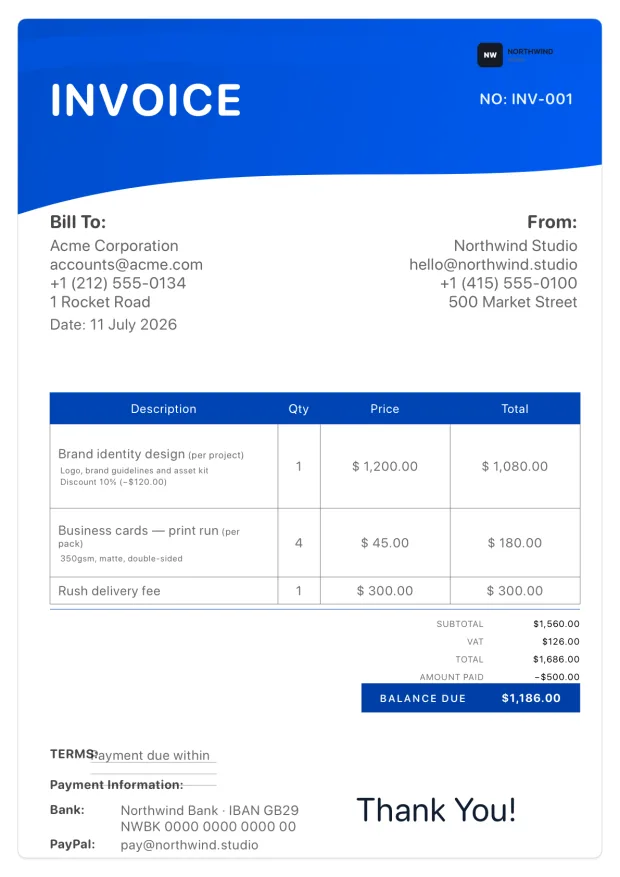
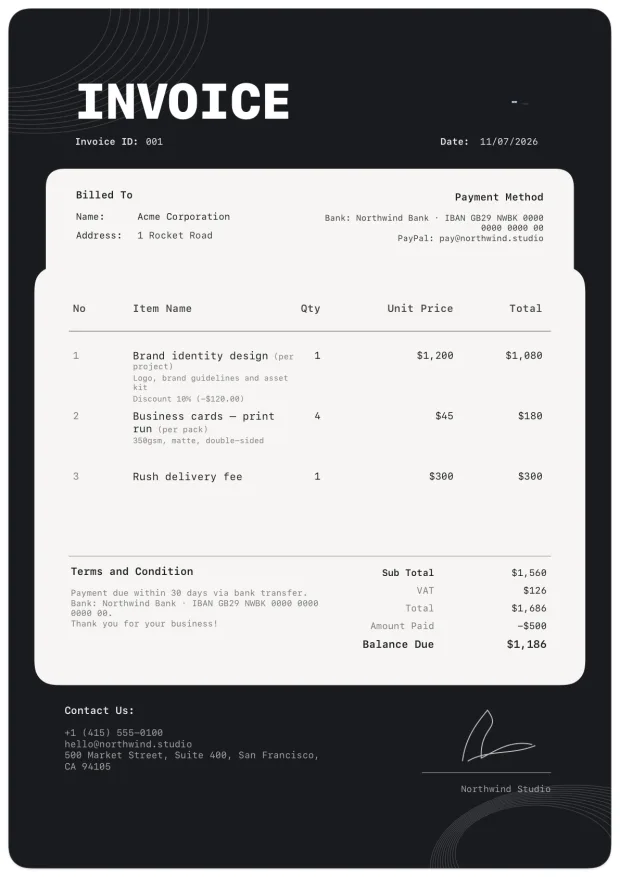
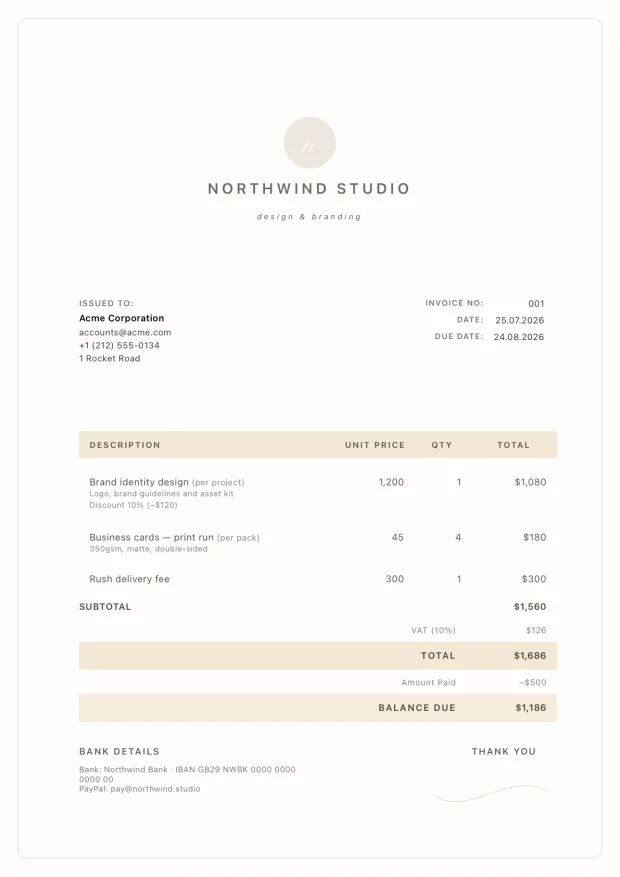
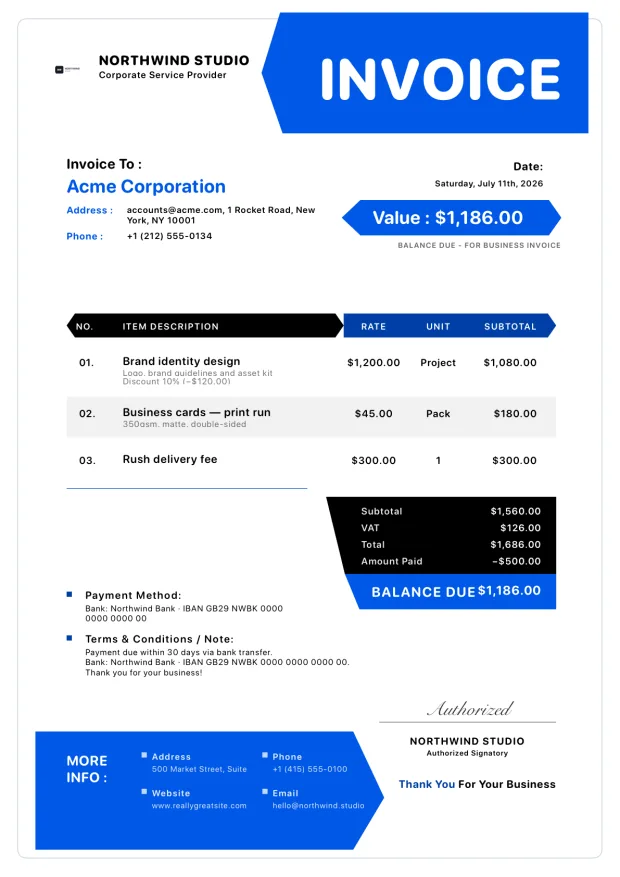
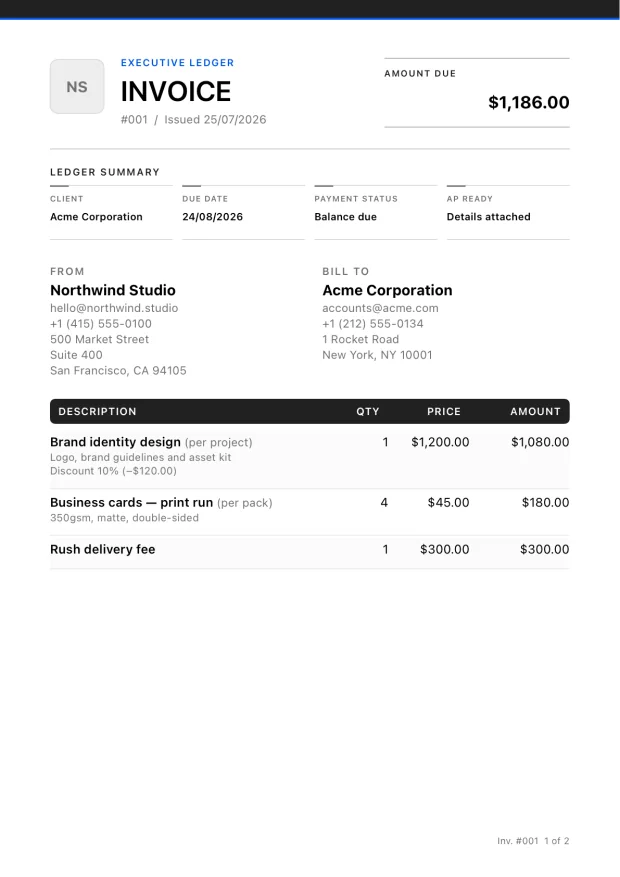
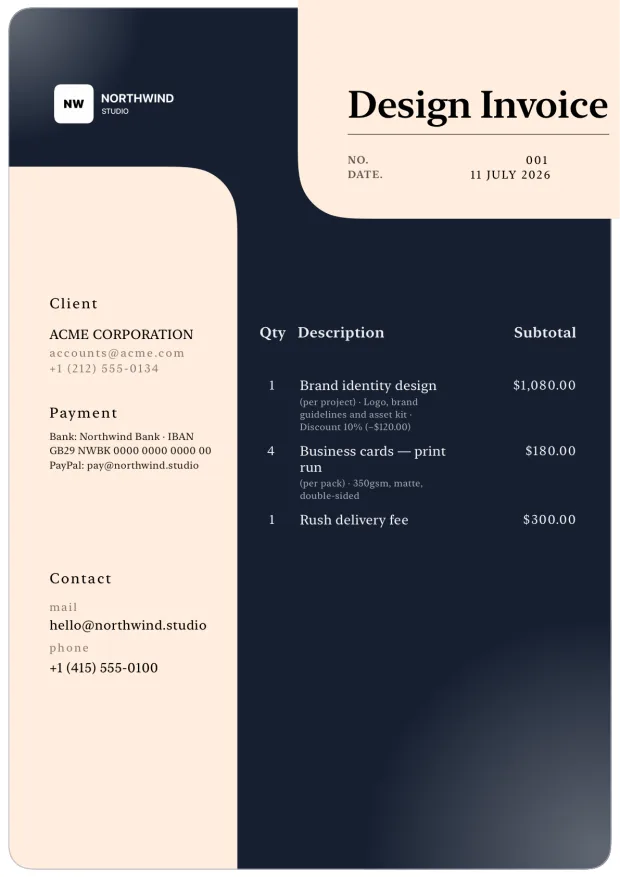
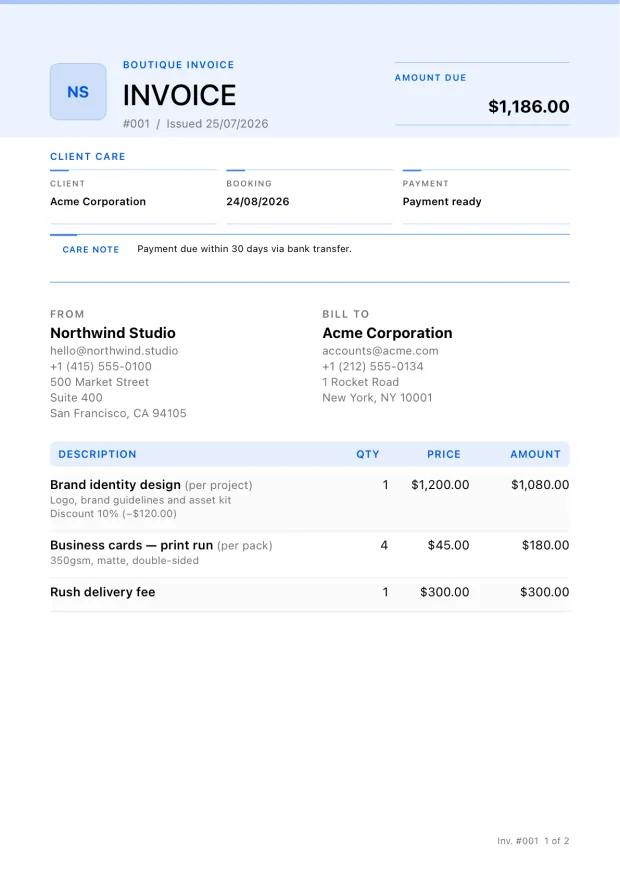
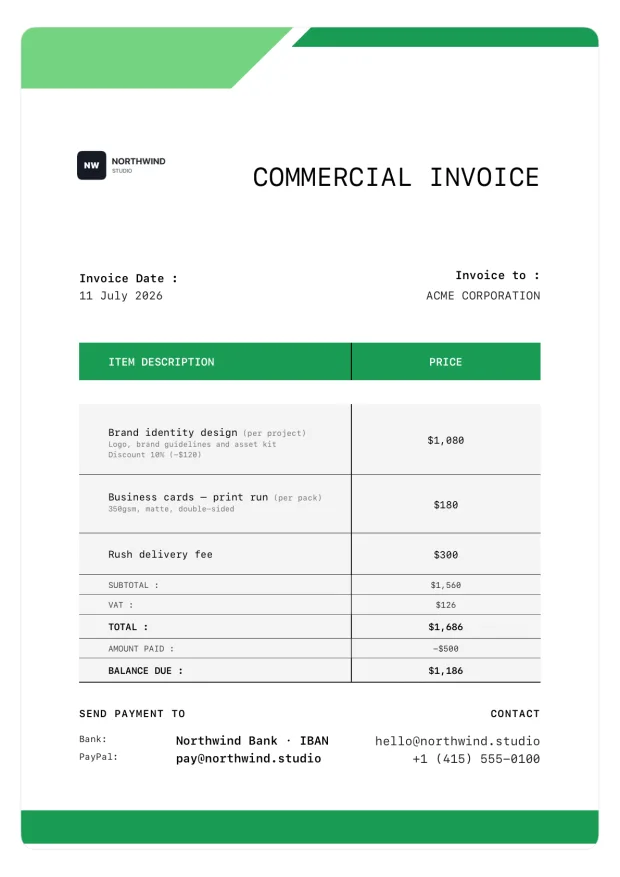
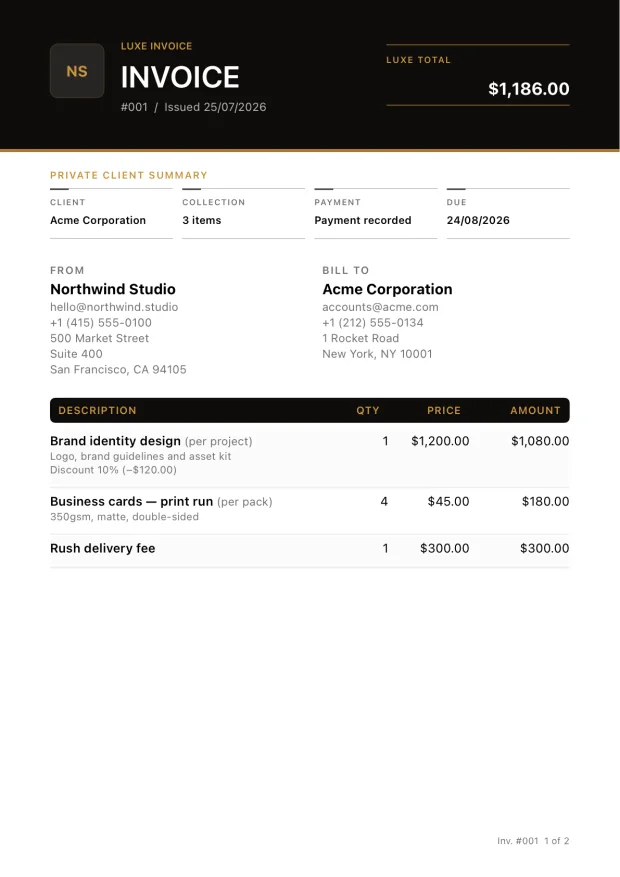
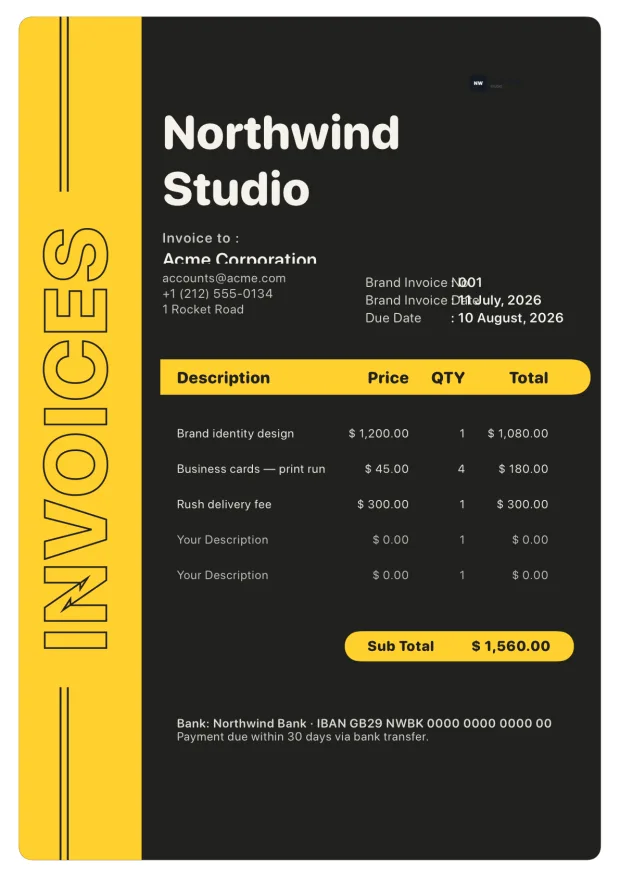
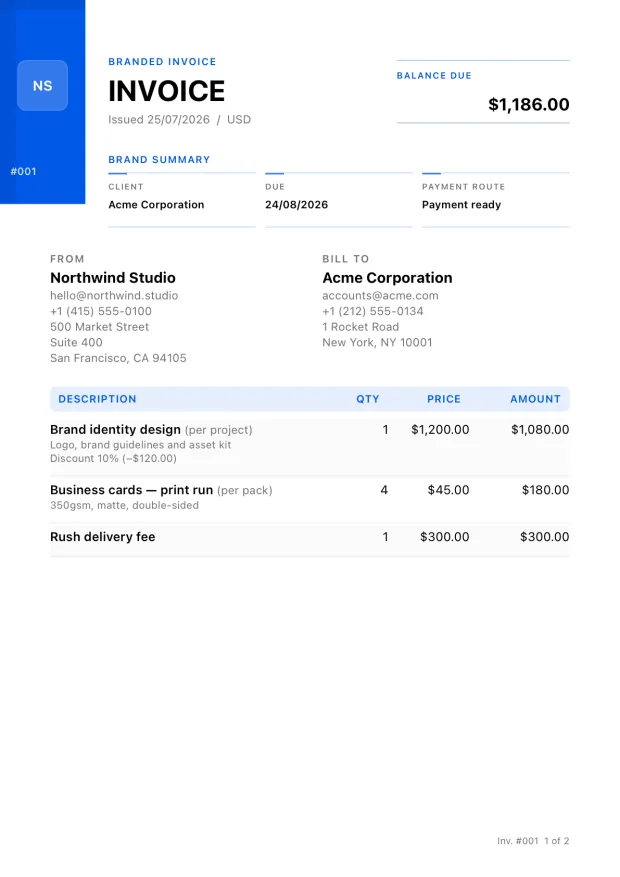
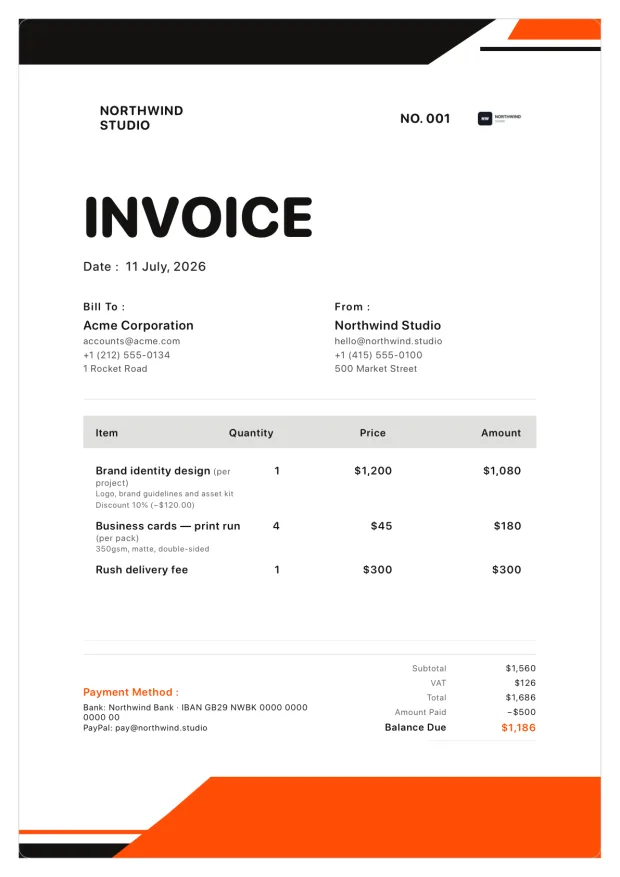
From app to PDF
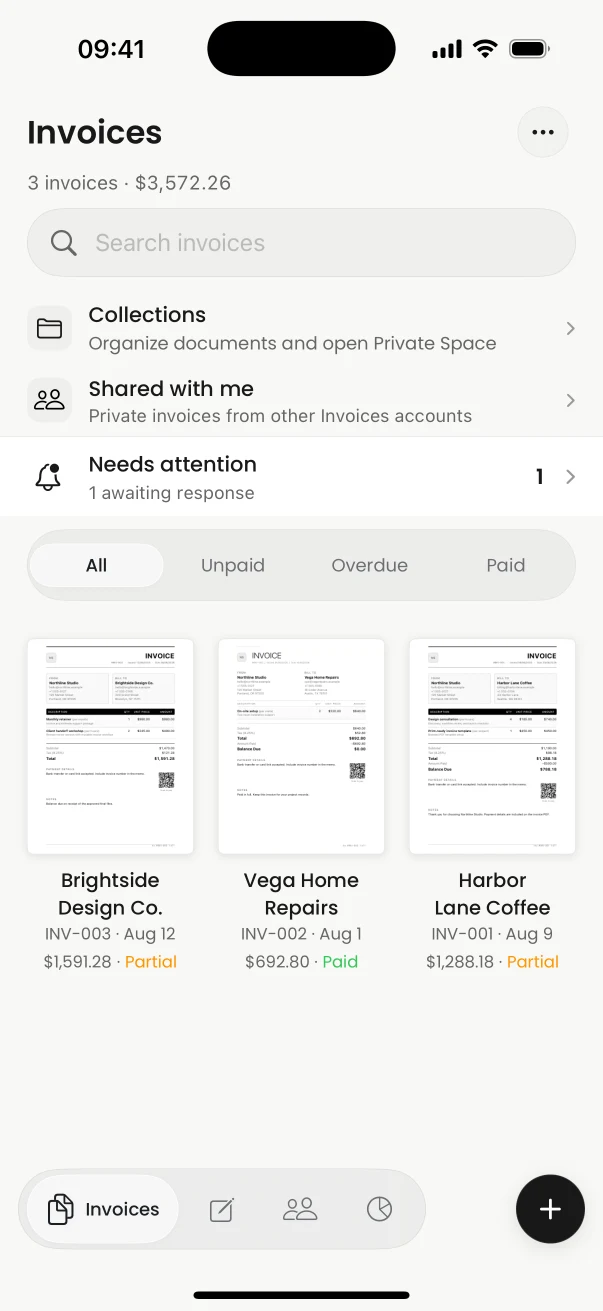
See clients, totals, and payment status in one compact workspace. Open any invoice to review the complete branded A4 output before saving or sending.
Premium AI import
Import a supported PDF or image, review the business, client, dates, services, and amounts, then approve an editable invoice draft. Nothing is silently sent or finalized.
How AI invoice import works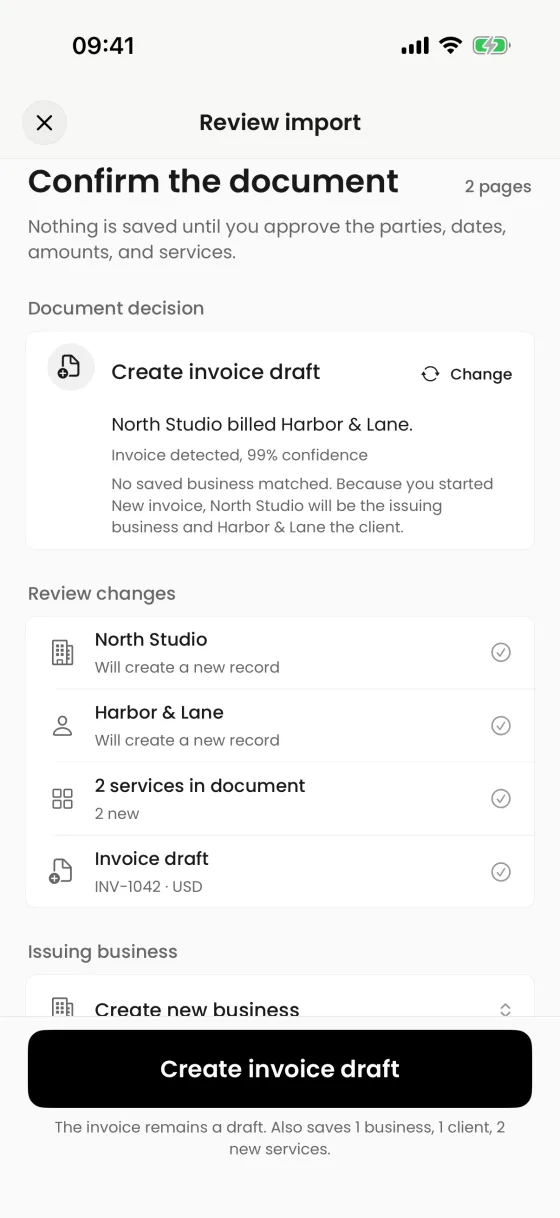
Payment records
Add manual payment entries, see what remains, mark an invoice paid, and keep the history beside the sent document. Invoices does not process or automatically reconcile payments.
Understand payment tracking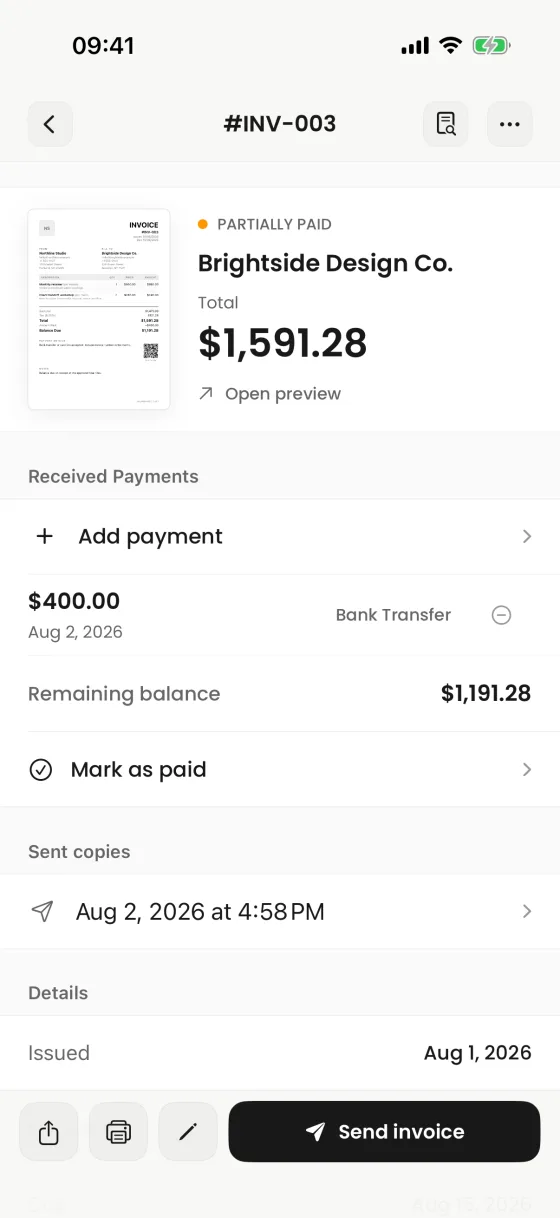
Built around real work
Each use case has its own workflow and examples—not a duplicated keyword page.
Saved clients and services, estimates, personal branding, and professional PDF presentation.
Freelancer invoice appLabor, materials, tax, terms, signatures, job photos, and sharing from the job site.
Contractor invoice appClear scopes, saved rates, client defaults, estimates, and restrained editorial templates.
Consultant invoice appInvoices for iPhone
Create it on iPhone, inspect the real PDF, and share it when every detail is right.